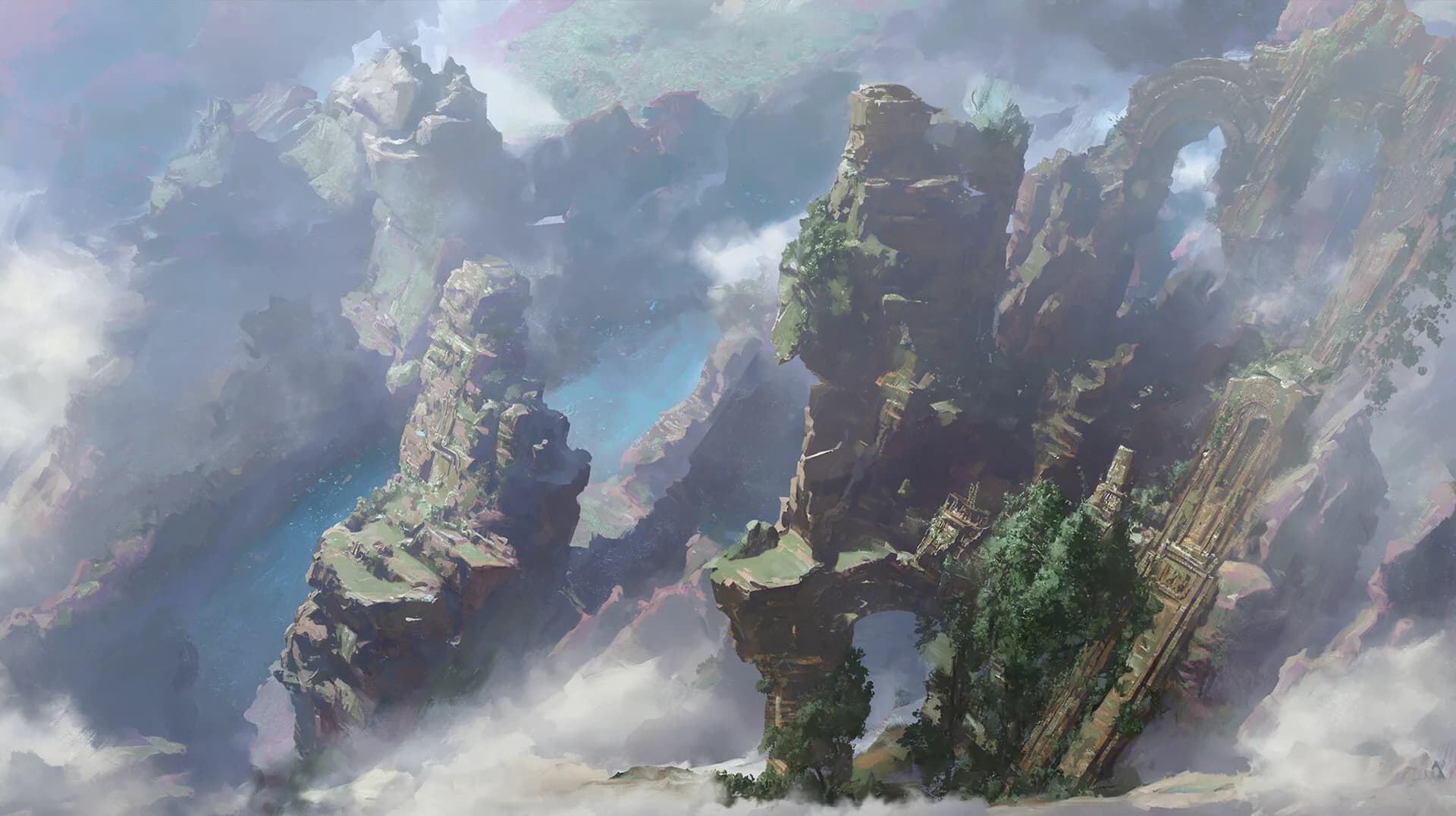
Towering stone arches and moss-covered spires rise above a misty fantasy canyon.
Cloudreach Spires by Zifang Sang

The Best Worldbuilding Tools for Maps, Lore, and Campaigns

Compare seven tools for maps, lore, writing, and campaigns.

Reviewed in October 2026 using public product documentation.

Published by vvd. Read how we compared the tools.

Which worldbuilding tool is best for you?

vvd suits creators who want a simple, extensible workspace for lore, maps, relationships, and writing in Quill. Choose World Anvil for encyclopedias, Campfire for fiction modules, or LegendKeeper for campaign wikis. Kanka suits free campaign management. Inkarnate focuses on map illustration; Obsidian suits local files and a setup you control.

The quick picks

Find a tool for the work you do most.

Scroll to compare all four columns.

How to choose

Think about the work you do most, whether that is running a campaign, drafting a novel, or drawing maps. These questions help you compare built-in tools with a setup you assemble yourself.

  1. Organization

    Can you organize characters, places, factions, and events without losing context?

  2. Maps

    Do you need interactive reference maps or a dedicated illustration tool?

  3. Wiki publishing

    Can players or readers explore your world, and can you control what they see?

  4. Relationships

    Can you connect entries and see how people, places, and events relate?

  5. Collaboration

    Can your group edit together live, or does the tool rely on syncing and separate editing sessions?

  6. Portability

    Can you export your work in a format you can use elsewhere? Check what happens to maps, links, and attachments.

  7. Price

    What does the free plan include, and which writing, publishing, or collaboration features require payment?

A closer look at the seven tools

What each tool does well and where it may fall short.

vvd

Best for

Creators who want everything in their world in one place, with visible connections and room to add tools.

Used by 250,000+ creators · Free to start · No credit card required

What it is

A simple, polished worldbuilding workspace you can extend with more tools.

vvd keeps your lore, maps, relationships, and wikis in one workspace. Quill lets you write while you worldbuild, with line-level audio, styling, text effects, and publishing. Collaborators can edit together live, and you can add tools as your world grows.

The tradeoff

You may still want dedicated software for specialist setting templates or drawing map artwork.

Build your first world in vvd

Start building free

World Anvil

Best for

Worldbuilders who want a comprehensive encyclopedia with plenty of built-in structure.

What it is

A broad worldbuilding suite with wiki articles, maps, timelines, campaign tools, templates, and novel-writing features.

World Anvil has 25+ templates, along with tools for timelines, families, organizations, and diplomacy. That level of detail suits worlds with a lot of reference material.

The tradeoff

There can be more to learn if you prefer a lighter workspace or tend to organize your ideas visually.

Campfire

Best for

Fiction writers who want to design their setting alongside their manuscript.

What it is

Modular writing and worldbuilding software covering manuscripts, maps, cultures, languages, magic, systems, and more.

Campfire has 18 modules. They cover details such as cultures, conlangs, religions, philosophies, species, and magic systems, which makes it a good fit for writers who want to work through their setting in depth.

The tradeoff

You will need to choose your modules and spend some time setting up the workspace.

LegendKeeper

Best for

Game masters and teams who organize their campaign reference around maps.

What it is

A collaborative worldbuilding wiki with nested maps, timelines, boards, secrets, offline work, and sharing controls.

LegendKeeper links maps to wiki pages. You can nest maps to move from a continent to an individual location, and use boards and timelines to plan your campaign.

The tradeoff

It has less of a focus on manuscript drafting and specialist tools for cultures or languages.

Kanka

Best for

Game masters who want to organize campaigns without paying for the core features.

What it is

A community-driven RPG campaign manager and worldbuilding website with linked entries, permissions, maps, calendars, timelines, and 20+ categories.

Kanka lets you create unlimited campaigns and entries for free. It also has exports and detailed controls over what players can access. Its flexible campaign records suit use during a session.

The tradeoff

The interface focuses on campaign records and access controls. It may feel utilitarian if you want a more visual way to present your world.

Inkarnate

Best for

Creators whose main goal is producing polished world, regional, city, or battle maps.

What it is

A browser-based fantasy map creator with a large art library and multiple map styles.

Inkarnate focuses on drawing fantasy maps. You can start for free, and you do not need formal art training to use it.

The tradeoff

It does not replace a lore database, relationship graph, collaborative wiki, or campaign manager.

Obsidian

Best for

Creators who want to own their local files and build a system to suit them.

What it is

A local-first Markdown knowledge base with links, graph view, Canvas, plugins, sync, and publishing options.

Obsidian keeps notes private by default and uses open file formats. You can adapt it to your world, using links and graph view to follow connections in your lore.

The tradeoff

Expect some setup. Worldbuilding templates, maps, publishing, and collaboration usually need plugins, paid services, or a system you put together yourself.

Which tool should you choose?

Start with the task you spend the most time on.

  • Choose vvd when you want a simple, polished workspace that keeps your world together and lets you add tools as you need them.
  • Choose World Anvil when you need detailed reference material and specialist templates more than a simple setup.
  • Choose Campfire when you want detailed setting tools alongside manuscript planning and drafting.
  • Choose LegendKeeper when you want a collaborative campaign wiki that people explore through maps.
  • Choose Kanka when you need practical campaign management with a free core tier.
  • Choose Inkarnate when drawing the map is your main task.
  • Choose Obsidian when owning your local files and customizing your setup matter more than convenience.

Keep your world together in vvd

Start building free

Frequently asked questions

What is the best free worldbuilding tool?

Kanka is a strong option for unlimited core campaign organization at no cost. vvd gives you a simple, polished workspace where you can see your world and its connections, with tools you can add as you need them. For a narrower task, try Inkarnate for free mapmaking or Obsidian for local notes.

What is the best worldbuilding tool for D&D game masters?

vvd suits game masters who want their campaign world in one workspace and the ability to add tools. LegendKeeper is a good fit for a campaign wiki organized around maps. Kanka focuses on campaign records and player permissions; World Anvil suits a more detailed, structured campaign encyclopedia.

What is the best worldbuilding software for fiction writers?

Campfire suits writers who want dedicated modules for detailed setting design. vvd includes Quill, a full writing system with line-level audio, styling, text effects, and publishing, alongside your worldbuilding tools. Obsidian suits writers who prefer local files and a system they set up themselves.

Can one tool handle maps and lore together?

Yes. vvd, World Anvil, Campfire, LegendKeeper, and Kanka connect maps or locations to other information about your world. Each handles this differently. Inkarnate focuses on drawing maps, while Obsidian usually needs plugins or embeds if maps are a big part of your work.

Is vvd a World Anvil alternative?

Yes. Both help you organize and share fictional worlds. World Anvil has more depth in templates and encyclopedia features. vvd keeps your world in a simple, polished workspace where you can see how its parts connect and add tools as your needs change.

Sources

  • vvdEntries, maps, relationship visualization, wiki, and collaboration.
  • World AnvilTemplates, articles, maps, timelines, campaign and writing features.
  • Campfire18 modules, detailed setting tools, and collaboration.
  • LegendKeeperWiki, nested maps, offline work, timelines, and boards.
  • KankaFree tier, campaign features, permissions, categories, and export.
  • InkarnateMapmaking scope and free tier.
  • ObsidianLocal files, links, graph, Canvas, plugins, sync, and publishing.

Ready to get to work?

  • Start for free
  • No credit card required
  • Cancel anytime